
Save it anywhere.
Find it by asking.
Meet Meemo. Your second brain, in the apps you already use.

Saving is easy. Finding it again is not.

This is Meemo. He has seen your camera roll.
The same chat.
One of them answers.
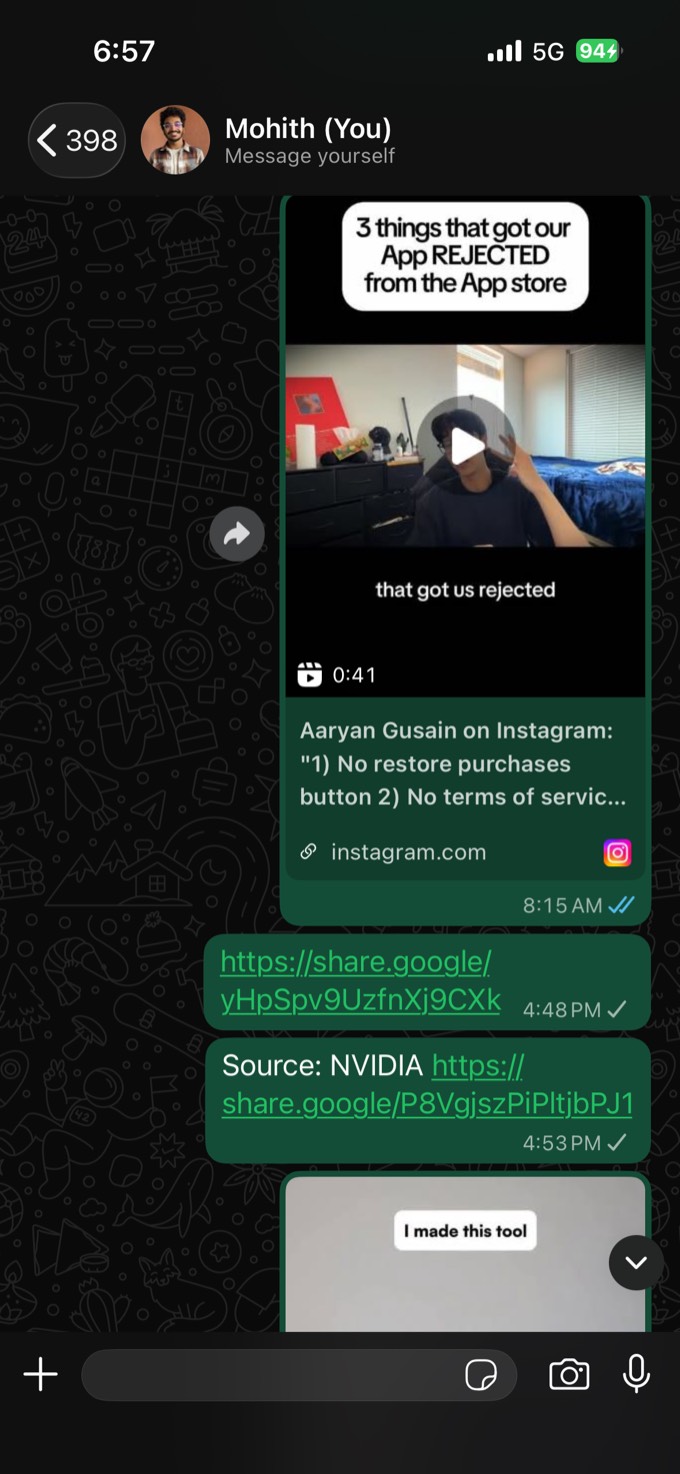
Everything you already send yourself, read and filed the moment it lands. Drag the slider — nothing else about how you save changes.


Hi, I'm Meemo.
You send me anything worth keeping — links, reels, voice notes, screenshots.
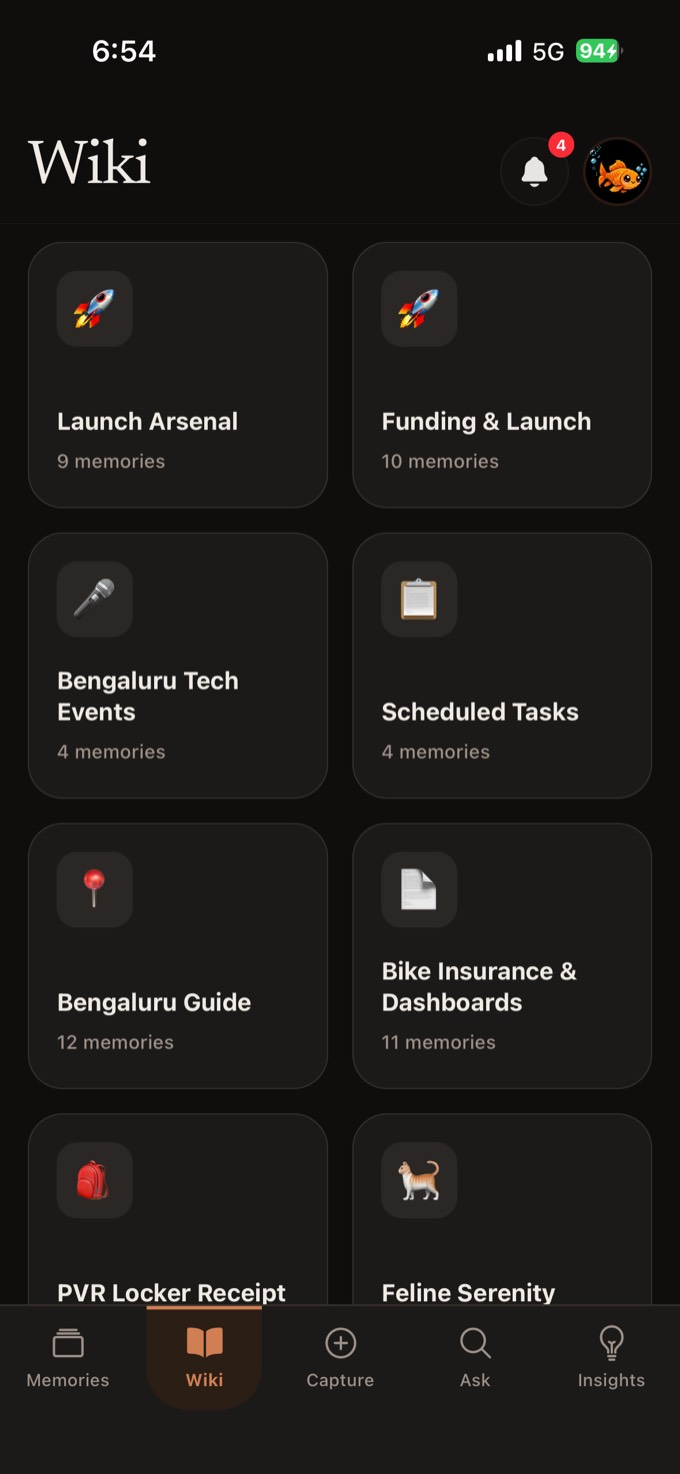
I read it, organise it, and keep everything about one thing together. No folders, no tags.
And when you need it back, ask in plain words. I will find it.
Forward it once.
Meemo does the rest.

Forward it to Memorie.
A reel, a link, a PDF, a voice note, a screenshot — sent the same way you would send it to a friend. Meemo is a contact, not another app to open.
Meemo opens it and reads it.
It watches the reel, follows the links, transcribes the voice note, reads the document. What you saved is the content now, not a URL you will never click.
It organises itself.
Things about the same thing find each other and become a collection — you never made a folder or picked a tag. Then ask for any of it in plain words.

Questions?
What does Memorie actually do?
You send it anything worth keeping — a link, a voice note, a screenshot, a PDF, a passing thought. Meemo reads the contents, files it next to everything related, and gives it back when you ask for it in plain language.
Who is Meemo?
Meemo is Memorie’s mascot and your companion in the app — he is the one who reads what you forward, organises it, and hands it back when you ask. You will spot him around the app and on this page, usually celebrating something you just saved.
Which platforms can I save from?
The Chrome extension is available now on the Chrome Web Store. Capture also works through WhatsApp, Instagram DMs and email. The iPhone and Android apps are coming next — they add the system share sheet, so anything with a share button can send to Memorie, plus home screen and Lock Screen widgets, a Control Centre button and Siri. Waitlist members get access first.
What can I send it?
Links, voice notes, photos, screenshots, videos, PDFs, documents and plain text. Links get scraped for their actual content, voice notes get transcribed, and images get read — so everything ends up searchable as text.
Do I have to organise anything?
No. There are no folders to design and no tags to maintain. Once you have saved enough about one topic, Memorie builds a page for it and keeps adding to it as you save more.
Can Memorie remind me about things?
Yes, and you set them the way you would tell a person: “remind me to renew the domain every year” or “nudge me about this on Sunday”. Reminders arrive as a notification you can tick off or snooze without opening the app, and they show up on the home screen widget too. Once a week Memorie also sends a short review of what you saved and what is worth revisiting. You pick which notifications you want and set quiet hours when none of them arrive.
Who can see what I save?
Only you. Your memories are private to your account, and nothing becomes public unless you create a share link for a single memory — which you can revoke whenever you want. Meemo uses AI providers to read, transcribe and organise what you save; they are not permitted to train on your content, and we do not sell it. You can delete your account, and everything in it, from Settings.
How is this different from a notes app or a bookmark manager?
A bookmark saves an address; Memorie saves what was at that address. A notes app waits for you to organise it; Memorie organises itself and answers questions from what you saved, with the source attached.
What does it cost?
Memorie is free while it is in beta, and there will always be a free tier. Joining the waitlist costs nothing and does not need a card.

Meemo will remember for you.
Stop losing things
you already found.
Build a memory that answers back.
Join the waitlistFree while in beta · No card needed